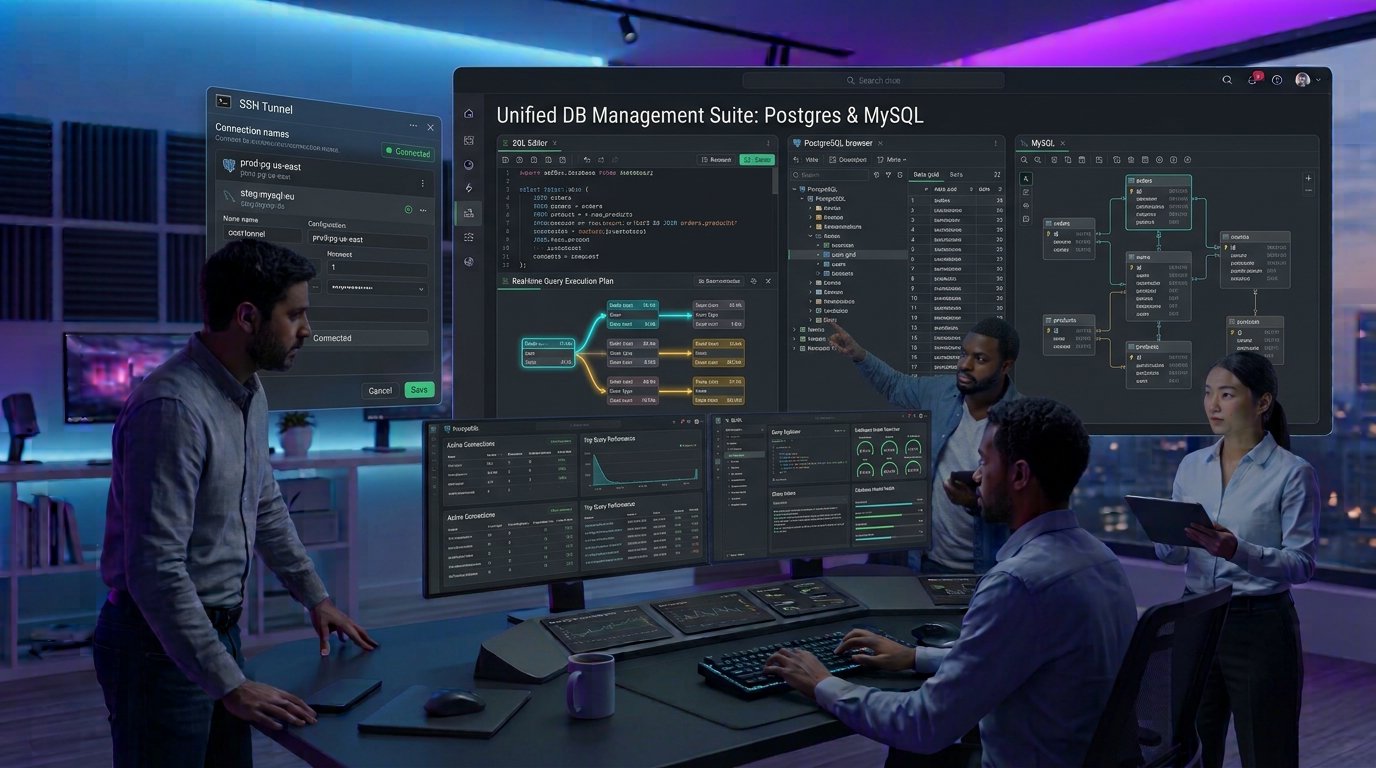
Managing relational databases purely through Command Line Interfaces (CLIs) like psql or mysql is fine for quick scripts, but complex application development demands visual clarity. Modern full-stack developers, database administrators (DBAs), and data engineers rely on graphic user interfaces (GUIs) to visualize schema relationships,construct complex JOIN queries, profile execution performance, and manage production databases securely.
With PostgreSQL and MySQL remaining the two most dominant open-source relational database engines in modern software stacks, choosing the right management client directly impacts team productivity. The top database management & GUI clients for Postgres and MySQL go far beyond simple data table grids—they offer intelligent SQL autocompletion, schema refactoring, visual execution plans, and secure SSH tunneling.
This comprehensive guide breaks down the best GUI clients available, evaluating them based on performance, feature depth, cross-platform availability, and security.
Key Takeaways
- Native Speed vs. Feature Depth: Native desktop applications like TablePlus deliver near-instant startup times and ultra-low memory footprints, whereas heavy IDEs like DataGrip offer deep AST-based code refactoring and autocompletion.
- Universal Database Support: Multi-engine GUI clients (such as DBeaver and DataGrip) eliminate the need to switch tools when managing multi-database architectures running both PostgreSQL and MySQL concurrently.
- Performance Diagnostic Capabilities: Top-tier database clients integrate visual
EXPLAIN ANALYZEtrees,allowing developers to spot missing indexes and costly sequential table scans immediately. - Zero-Trust Security Controls: Enterprise-grade database management requires clients with built-in support for native OS keychains, SSH bastion tunnels, SSL/TLS certificates, and SAML/SSO authentication.
What to Look for in a Modern Database GUI Client
Selecting the right GUI client depends on your primary role—whether you are writing daily application queries,designing complex database schemas, or tuning production query performance.
┌────────────────────────────────────────────────────────────────────────┐
│                   DATABASE GUI SELECTION MATRIX                        │
├───────────────┬────────────────────────────────────────────────────────┤
│ FEATURE AREA  │ CRITICAL CAPABILITY                                    │
├───────────────┼────────────────────────────────────────────────────────┤
│ SQL Editor    │ Context-aware code completion, linting, and           │
│               │ automatic formatting for dialect-specific syntax.      │
├───────────────┼────────────────────────────────────────────────────────┤
│ Visual Tools  │ Entity-Relationship (ER) diagramming, visual query    │
│               │ builders, and schema diff comparison tools.            │
├───────────────┼────────────────────────────────────────────────────────┤
│ Diagnostics   │ Graphical EXPLAIN plan trees to analyze execution      │
│               │ bottlenecks, index usage, and join costs.              │
├───────────────┼────────────────────────────────────────────────────────┤
│ Security      │ Encrypted credential storage, SSH tunnel tunneling,    │
│               │ and production environment warning guards.             │
└───────────────┴────────────────────────────────────────────────────────┘
Top Database Management & GUI Clients for Postgres and MySQL
Here is an in-depth review of the premier database clients driving modern software development workflows.
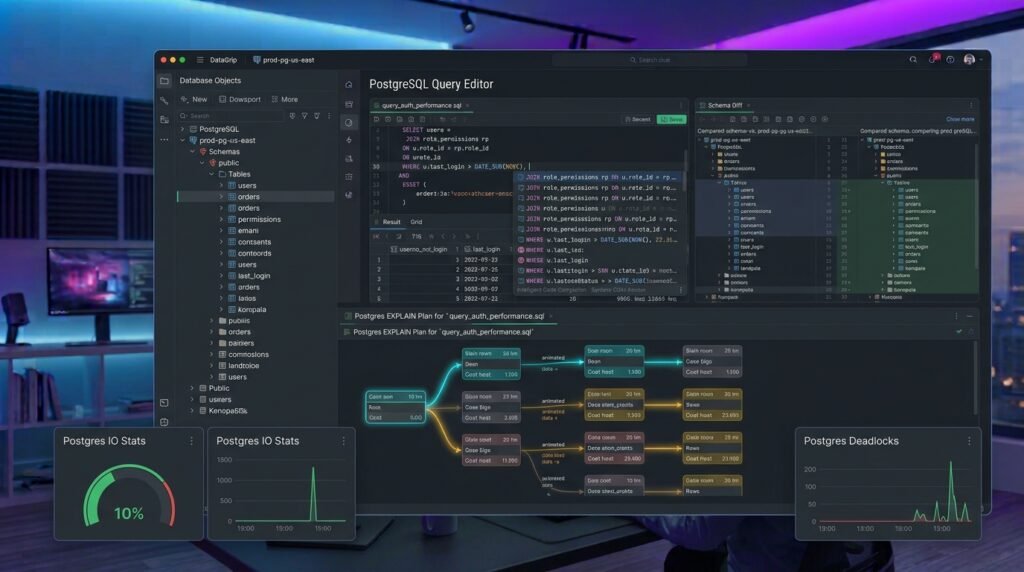
1. DataGrip (by JetBrains): The Powerful SQL IDE
JetBrains’ DataGrip is widely considered the gold standard for dedicated database IDEs, bringing the full power of JetBrains’ intelligent code analysis to relational databases.
┌─────────────────────────────────────────────────────────────────────────┐
│                    DATAGRIP ARCHITECTURE OVERVIEW                       │
├───────────────────┬─────────────────────────────────────────────────────┤
│ Smart SQL Editor  │ Context-aware autocompletion based on schema        │
│                   │ metadata, foreign keys, and active dialects.        │
├───────────────────┼─────────────────────────────────────────────────────┤
│ Refactoring Engine│ Safely renames tables, columns, and procedures      │
│                   │ while automatically updating references.            │
├───────────────────┼─────────────────────────────────────────────────────┤
│ Universal JDBC    │ Connects natively to Postgres, MySQL, MariaDB,      │
│ Driver Support    │ CockroachDB, and 50+ relational/NoSQL engines.      │
└───────────────────┴─────────────────────────────────────────────────────┘
- Intelligent SQL Autocompletion: Analyzes your database schema metadata in real time to suggest column names, join conditions, and foreign key relationships as you type.
- Safe Schema Refactoring: Renaming a column or table in DataGrip automatically updates all references across views, stored procedures, and scripts.
- Git Version Control Integration: Allows engineering teams to manage database migration scripts, version-control schema changes, and review DDL diffs inside the editor.
Best For: Professional software developers and DBAs who write complex SQL queries daily and need deep code intelligence.
2. TablePlus: Ultra-Fast, Native, and Lightweight
Built with native Swift (macOS) and C++ codebases, TablePlus is designed for extreme speed, minimalistic UI, and minimal memory overhead.
- Native Performance: Opens in milliseconds and uses a fraction of the RAM consumed by Electron-based or Java-based database clients.
- Inline Data Editing: Allows users to edit table cells inline like a spreadsheet, grouping changes into a pending batch before explicitly committing them to the database.
- Production Guardrails: Supports connection color-coding (e.g., highlighting production databases in bright red) and read-only safety modes to prevent accidental data deletion.
Best For: Full-stack developers and macOS/Windows users who value speed, clean aesthetics, and a lightweight footprint.
3. DBeaver (Community & Enterprise): The Open-Source Powerhouse
DBeaver is a versatile, open-source database client built on the Eclipse platform, supporting virtually any database engine with a JDBC driver.
- Comprehensive ER Diagrams: Automatically generates visual Entity-Relationship diagrams from existing schemas, allowing developers to visualize table relationships instantly.
- Advanced Data Export & Import: Supports data migration between distinct engines (e.g., migrating MySQL tables directly into PostgreSQL) across CSV, JSON, XML, and SQL formats.
- DBeaver PRO AI Integration: Features AI-assisted SQL generation, allowing users to convert natural language prompts into executable queries.
Best For: Data analysts, DBAs, and developers requiring an open-source, multi-database management tool.
To review how static analysis tools detect database query vulnerabilities and SQL injection risks inside application codebases, read our guide on the [Top Static Code Analysis Tools for Developers]([Internal Link: Insert relevant internal URL here with anchor text]).
4. Specialized Engine Tools: pgAdmin 4 & MySQL Workbench
When working strictly within a single database ecosystem, official platform-specific tools offer unmatched dialect coverage:
- pgAdmin 4 (PostgreSQL): The official web/desktop management tool for Postgres. Features deep, native support for PostgreSQL-specific features including JSONB querying, Partitioning, Vacuum maintenance, and Server Health dashboards.
- MySQL Workbench (MySQL): The official GUI tool for MySQL. Excels at visual database modeling,forward/reverse engineering of schemas, user permission administration, and MySQL Server performance tuning.
Head-to-Head Comparison: Top Database GUI Clients
┌─────────────────────────────────────────────────────────────────────────────────┐
│                    DATABASE GUI FEATURE COMPARISON                              │
├──────────────┬──────────────────┬──────────────────┬────────────────────────────┤
│ CLIENT       │ ENGINE SUPPORT   │ PLATFORM ENGINE  │ KEY ADVANTAGE              │
├──────────────┼──────────────────┼──────────────────┼────────────────────────────┤
│ DataGrip     │ Universal        │ Java / JetBrains │ Best-in-class SQL IDE &    │
│              │ (50+ Databases)  │ Platform         │ refactoring intelligence   │
├──────────────┼──────────────────┼──────────────────┼────────────────────────────┤
│ TablePlus    │ Multi-Engine     │ Native           │ Ultra-fast, lightweight,   │
│              │ (Relational/NoSQL│ (Swift / C++)    │ intuitive inline editing   │
├──────────────┼──────────────────┼──────────────────┼────────────────────────────┤
│ DBeaver      │ Universal        │ Java / Eclipse   │ Free open-source core,     │
│              │ (JDBC Universal) │                  │ powerful ER diagramming    │
├──────────────┼──────────────────┼──────────────────┼────────────────────────────┤
│ pgAdmin 4    │ PostgreSQL       │ Web / Python     │ 100% native Postgres       │
│              │ Dedicated        │ Container        │ administration features    │
└──────────────┴──────────────────┴──────────────────┴────────────────────────────┘
Best Practices for Secure Database Management
Using the top database management & GUI clients for Postgres and MySQL requires applying production security controls:
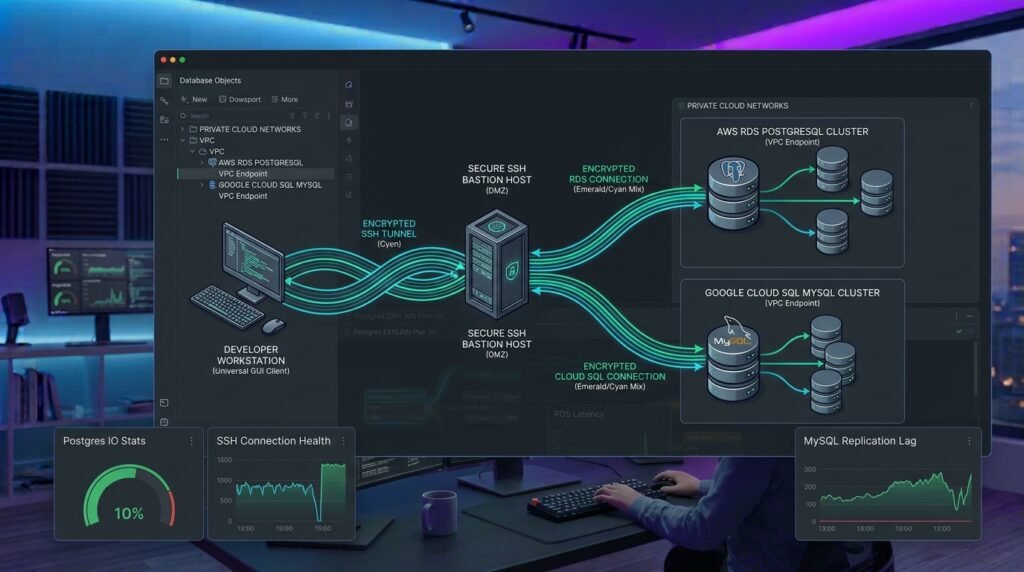
- Mandate SSH Bastion Tunnels: Never expose database port
5432(Postgres) or3306(MySQL) directly to the public internet. Always route client connections through an encrypted SSH tunnel or VPN boundary. - Enforce Read-Only Connection Profiles: Create separate GUI connection profiles for production instances with read-only database credentials to avoid accidental
UPDATEorDELETEexecutions. - Use OS Keychain Integration: Store database passwords and private keys inside your operating system’s native keychain (such as macOS Keychain or Windows Credential Manager) rather than plaintext configuration files.
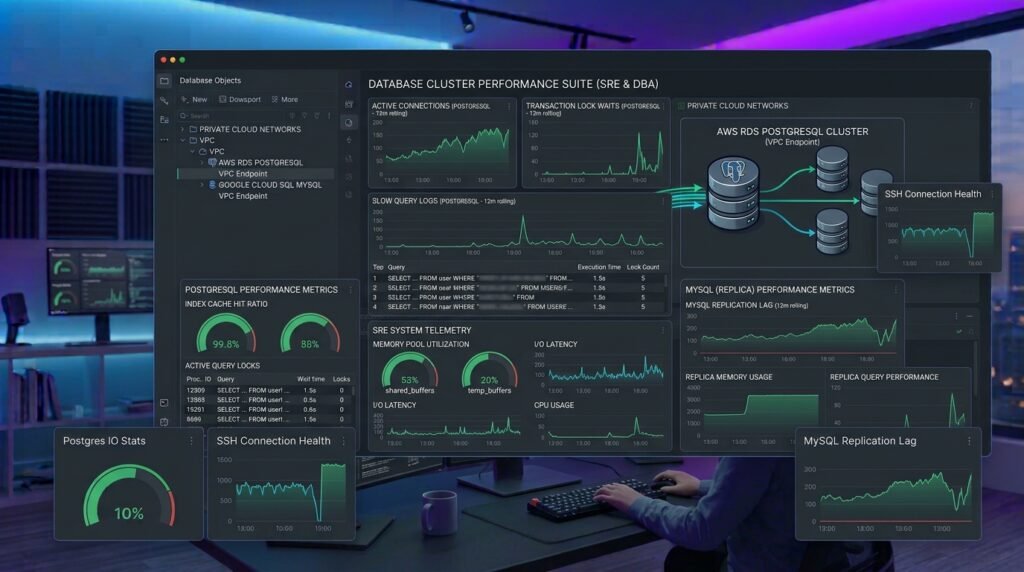
For official technical documentation on PostgreSQL query optimization and indexing strategies, consult the PostgreSQL Official Documentation.
Conclusion
Choosing from the top database management & GUI clients for Postgres and MySQL comes down to your primary workflow requirements. If you demand a lightweight, ultra-fast client with clean inline editing, TablePlus is an exceptional choice. If you write complex queries across polyglot microservice architectures, DataGrip delivers unparalleled code intelligence. Meanwhile, DBeaver offers an unbeatable open-source feature set for visual schema modeling and data migration.
By pairing a modern GUI client with secure SSH tunneling and read-only production guards, engineering teams can inspect, query, and optimize relational databases with total confidence.
Frequently Asked Questions (FAQs)
What is the best free GUI client for PostgreSQL and MySQL?
DBeaver Community Edition is widely considered the best free, open-source database GUI client. It supports PostgreSQL, MySQL, MariaDB, SQLite, and dozens of other database engines out of the box with zero licensing fees.
Is DataGrip worth paying for over free database clients?
Yes, for professional developers who spend significant time writing complex SQL queries. DataGrip’s context-aware autocompletion, safe schema refactoring, git integration, and smart error-highlighting significantly increase developer velocity compared to basic query tools.
How do I connect a GUI client to a production database safely?
Always connect through an SSH Bastion Tunnel or private VPN network. In addition, configure your GUI client’s production safety settings (such as connection color-coding and read-only mode) to prevent accidental data modifications.
1 thought on “Top Database Management & GUI Clients for Postgres and MySQL”