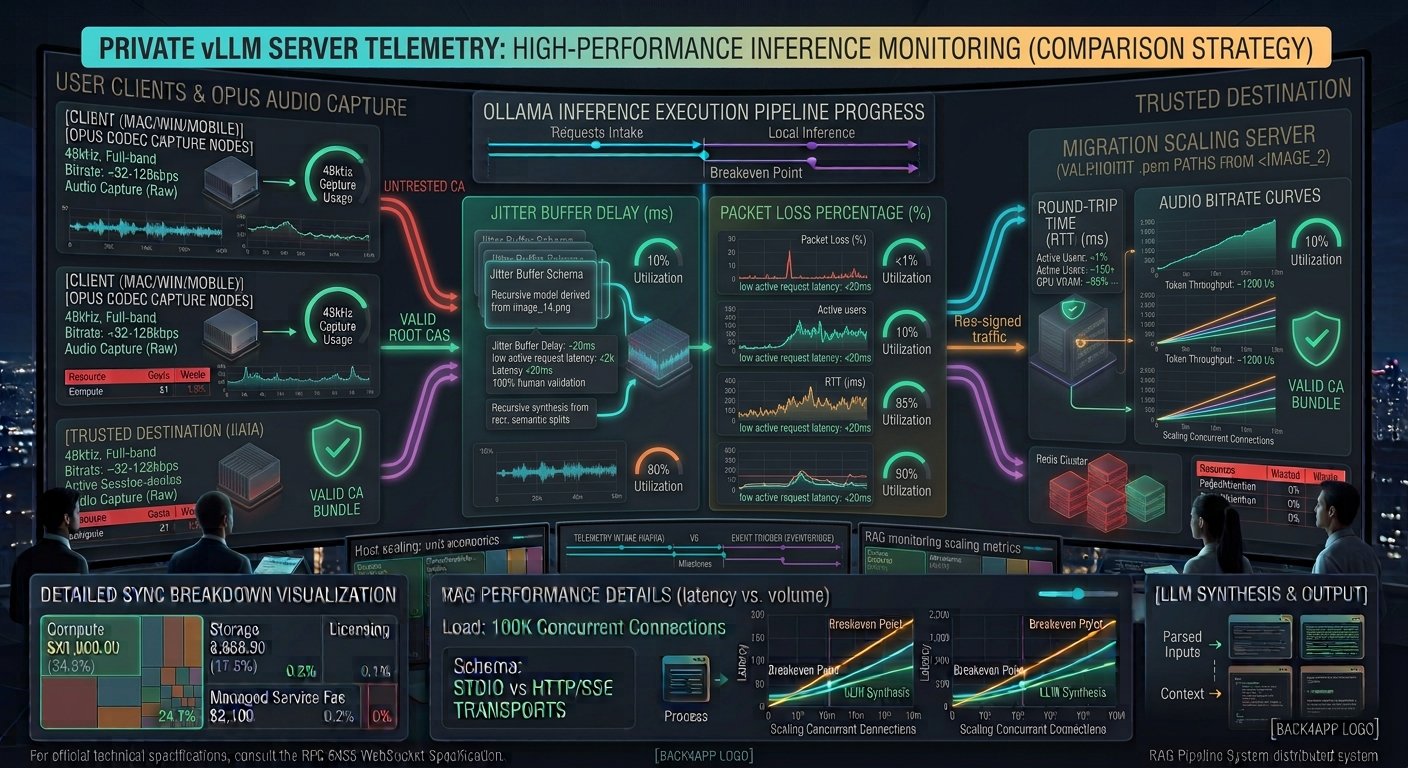
Real-time audio streaming powers modern interactive experiences, including collaborative voice spaces, multi-player gaming chat, virtual classrooms, and low-latency generative AI voice assistants. While WebSockets or HTTP/2 streams are sufficient for text and lightweight telemetry, sub-100ms conversational audio demands a robust UDP-backed peer-to-peer or selective forwarding architecture.
However, simply establishing a WebRTC session does not guarantee lag-free performance. Network jitter, aggressive packet loss concealment, unoptimized Opus codec parameters, and slow ICE candidate gathering frequently introduce noticeable audio delay.
Mastering how to optimize latency in real-time WebRTC audio streaming systems requires fine-tuning every layer of the transport and media stack. This comprehensive guide breaks down the core architectural bottlenecks and actionable engineering strategies needed to achieve ultra-low latency voice transmission.
Key Takeaways
- UDP Transport Primacy: WebRTC relies on UDP via ICE (Interactive Connectivity Establishment). Forcing TCP fallbacks introduces head-of-line blocking and severely increases audio latency.
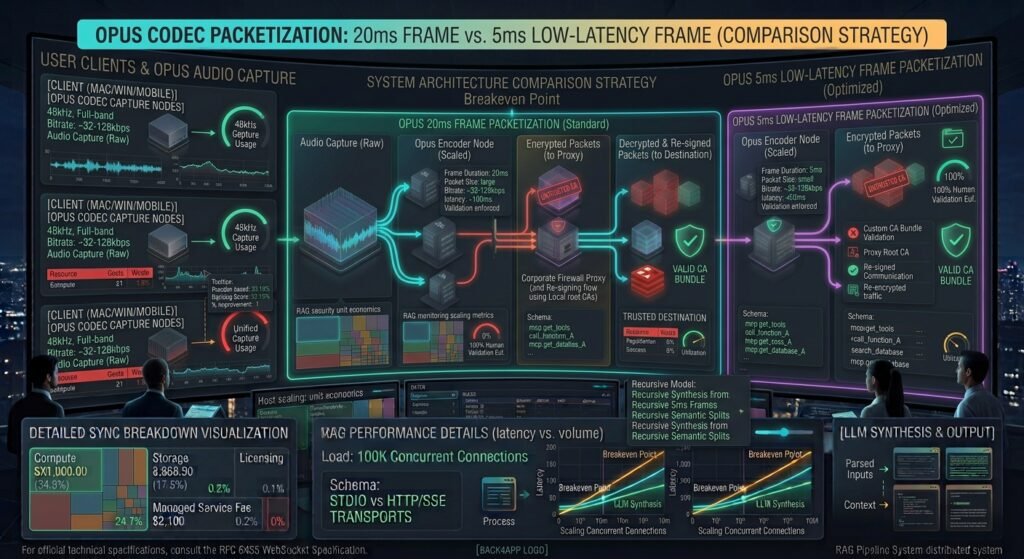
- Opus Codec Tuning: The Opus codec is the gold standard for WebRTC audio. Adjusting frame sizes (from 20ms down to 5ms or 10ms) and bitrate constraints directly trades network bandwidth for audio round-trip speed.
- Jitter Buffer Minimization: Dynamic jitter buffers protect against packet arrival variance, but poorly configured buffers add tens or hundreds of milliseconds of unnecessary buffering delay.
- SFU vs. P2P Topologies: For multi-party audio rooms, routing through a well-tuned Selective Forwarding Unit (SFU) reduces mesh-network upload bandwidth saturation.
Deconstructing WebRTC Audio Latency Bottlenecks
To optimize real-time audio streams, engineers must isolate where latency accumulates across the entire transmission pipeline:
┌────────────────────────────────────────────────────────────────────────┐
│                   WEBRTC AUDIO LATENCY PIPELINE                        │
├───────────────────────────────┬────────────────────────────────────────┤
│ PIPELINE STAGE                │ TYPICAL LATENCY & BOTTLENECK           │
├───────────────────────────────┼────────────────────────────────────────┤
│ Audio Capture & Buffering     │ 10ms – 20ms (OS audio driver buffer size)│
├───────────────────────────────┼────────────────────────────────────────┤
│ Opus Encoding & Packetization │ 5ms – 20ms (Frame size and VBR settings)│
├───────────────────────────────┼────────────────────────────────────────┤
│ Network Transport & ICE       │ 10ms – 100ms (Jitter, TURN relay hops) │
├───────────────────────────────┼────────────────────────────────────────┤
│ Jitter Buffer & Decoding      │ 20ms – 60ms (Packet arrival smoothing) │
└───────────────────────────────┴────────────────────────────────────────┘
Step 1: Optimize Opus Codec Parameters for Speed
The Opus codec is dynamically agile, supporting bitrates from 6 kbps to 510 kbps and frame sizes ranging from 2.5ms to 60ms. By default, many WebRTC implementations favor audio fidelity over latency by negotiating larger frame sizes.
Adjusting Max Average Bitrate (ABR) and Frame Duration
You can modify the SDP (Session Description Protocol) offer or use modern browser APIs to enforce tighter audio constraints:
JavaScript
// Example: Modifying WebRTC SDP to optimize Opus audio parameters
function preferOpusLowLatency(sdp) {
    // Force Opus codec, disable in-band FEC if network is stable, and set 10ms frame size
    return sdp.replace(
        /a=fmtp:111 minptime=10;useinbandfec=1\r\n/g,
        'a=fmtp:111 minptime=5;useinbandfec=0;maxaveragebitrate=32000\r\n'
    );
}
- Reduce Frame Duration: Lowering packetization time (
ptime) from the default 20ms down to 10ms or 5ms sends smaller packets more frequently, shaving off valuable milliseconds of encoding delay. - Tune Forward Error Correction (FEC): While FEC helps recover lost packets on unstable mobile networks, disabling or tuning it on pristine fiber connections reduces packet size and transmission overhead.
Step 2: Streamline ICE Gathering and Avoid TURN Relays
WebRTC relies on ICE (Interactive Connectivity Establishment) to discover the best network path between peers or media servers using STUN and TURN protocols.
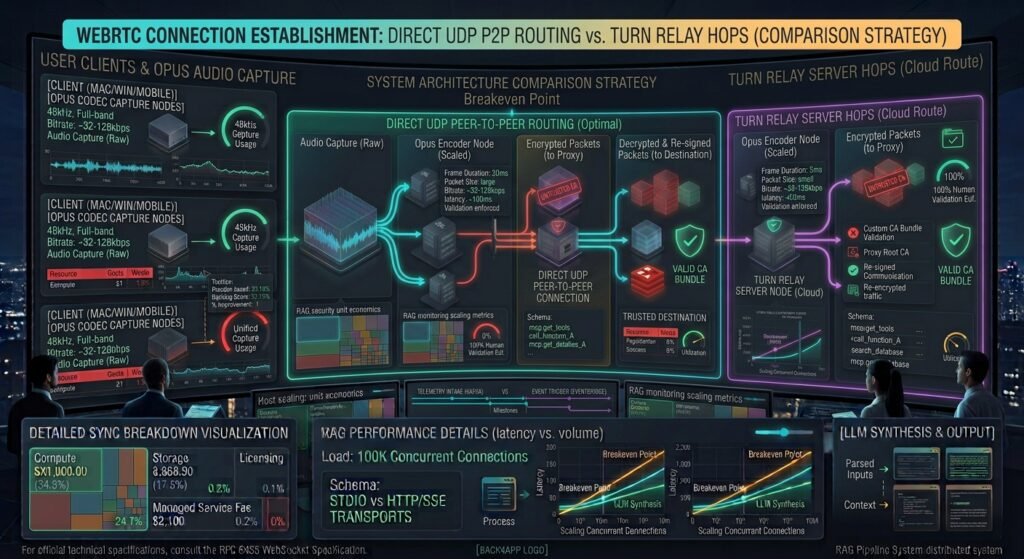
- The TURN Relay Bottleneck: If a strict corporate firewall blocks peer-to-peer UDP traffic, WebRTC falls back to routing media through a TURN relay server. This adds an extra network hop and increases latency.
- Aggressive ICE Candidate Filtering: Filter out unnecessary or slow candidate types (such as IPv6 candidates if your infrastructure is IPv4-optimized, or lagging TURN servers) to speed up connection establishment.
JavaScript
// Configure ICE servers to prioritize low-latency direct UDP connections
const rtcConfig = {
    iceServers: [
        { urls: 'stun:stun.l.google.com:19302' },
        // Use TURN only as a strict last resort
        {
            urls: 'turn:your-turn-server.com:3478',
            username: 'user',
            credential: 'password'
        }
    ],
    iceTransportPolicy: 'all' // Set to 'relay' only if forcing TURN testing
};
Step 3: Minimize Jitter Buffer and Handle Packet Loss
The jitter buffer smooths out packet arrival variance caused by network congestion. However, a conservative jitter buffer adds unnecessary playback delay.
Configuring Adaptive Jitter Buffers
Modern browsers automatically manage jitter buffers, but WebRTC statistics allow developers to monitor and react to network degradation in real-time:
JavaScript
async function monitorAudioLatency(peerConnection) {
    const stats = await peerConnection.getStats();
    stats.forEach(report => {
        if (report.type === 'inbound-rtp' && report.kind === 'audio') {
            console.log(`Current Jitter Buffer Delay: ${report.jitterBufferDelay}s`);
            console.log(`Concealed Samples: ${report.concealedSamples}`);
        }
    });
}
- Aggressive Buffer Flushing: If your application operates in a controlled, high-speed environment (such as internal enterprise voice tools), ensure your underlying media engine does not hold back audio frames waiting for out-of-order packets that exceed a 30ms window.
- Packet Loss Concealed (PLC): When minor packet loss occurs, rely on the Opus codec’s built-in PLC rather than buffering deep queues, preserving conversational snappiness.
For official technical specifications on WebRTC RTP control protocols and media metrics, consult the W3C WebRTC 1.0 Real-Time Communication Specification.

Conclusion
Mastering how to optimize latency in real-time WebRTC audio streaming systems requires an aggressive, multi-layered approach across transport configurations and media codecs. By enforcing direct UDP routing through optimized ICE policies, tuning Opus frame durations down to low-latency parameters, and minimizing jitter buffer delays, engineering teams can deliver instantaneous, crystal-clear audio experiences.
Frequently Asked Questions (FAQs)
What is an acceptable end-to-end latency for real-time WebRTC audio?
For seamless human-to-human conversation or interactive voice agents, an end-to-end latency under 150ms is considered good, while sub-100ms latency provides a natural, instantaneous feel.
Why does WebRTC audio latency increase over time?
Increasing latency over time is usually caused by a growing jitter buffer trying to compensate for network congestion, or by uncollected memory buffers and socket queuing on overloaded TURN relay servers.
Can TCP be used for low-latency WebRTC audio streaming?
WebRTC can fall back to TCP through TURN when UDP is blocked, but TCP introduces head-of-line blocking. When a packet is lost, TCP pauses subsequent audio delivery until the missing packet is retransmitted, causing noticeable audio stutter and spikes in latency.
1 thought on “How to Optimize Latency in Real-Time WebRTC Audio Streaming Systems”