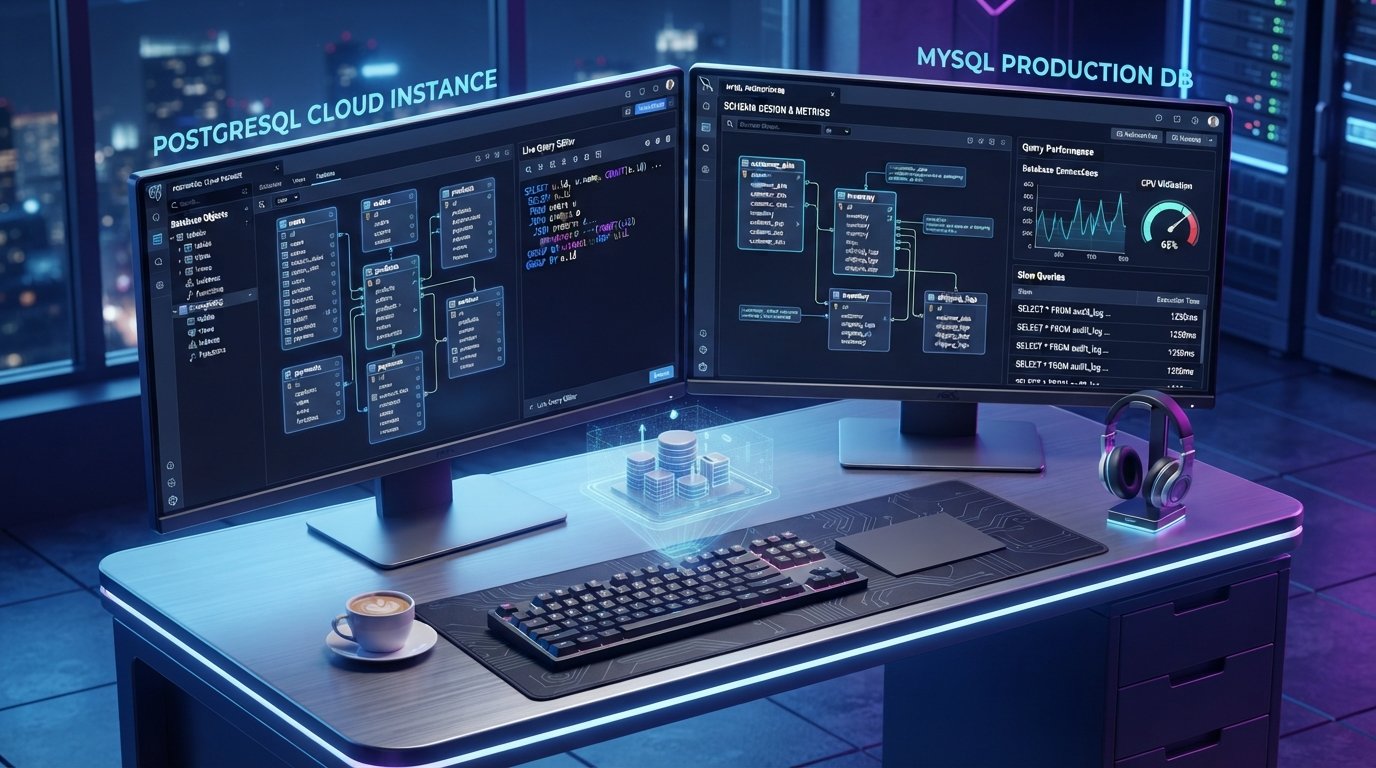
Relational databases like PostgreSQL and MySQL power the vast majority of modern backend architectures, microservices, and enterprise applications. While command-line interfaces (CLIs) like psql and mysql remain essential for script automation and remote terminal sessions, daily schema management, data inspection, query optimization, and migration execution are significantly faster using a dedicated graphical user interface (GUI).
Choosing the best database management & GUI clients for Postgres and MySQL requires balancing native performance, multi-database support, SQL autocompletion, and safety features like inline data editing with diff approvals. This comprehensive guide reviews top-tier GUI clients, breaking down their technical feature sets, OS platform compatibility, and operational tradeoffs.
Key Takeaways
- Universal vs. Dedicated Clients: Universal tools like DBeaver and DataGrip allow managing PostgreSQL, MySQL, and cloud data warehouses within a single workspace, whereas dedicated clients like pgAdmin offer deeper engine-specific administration. Jet Admin
- Native Speed vs. Cross-Platform Extensibility: Lightweight, native GUI tools like TablePlus deliver instant startup times, low RAM usage, and smooth UI performance compared to resource-heavy Java or Electron-based IDEs. Bytebase
- AI-Assisted Querying is the New Standard: Modern GUI clients now feature integrated AI agents capable of translating natural language into SQL, explaining query execution plans, and automating schema migrations. NexaSphere
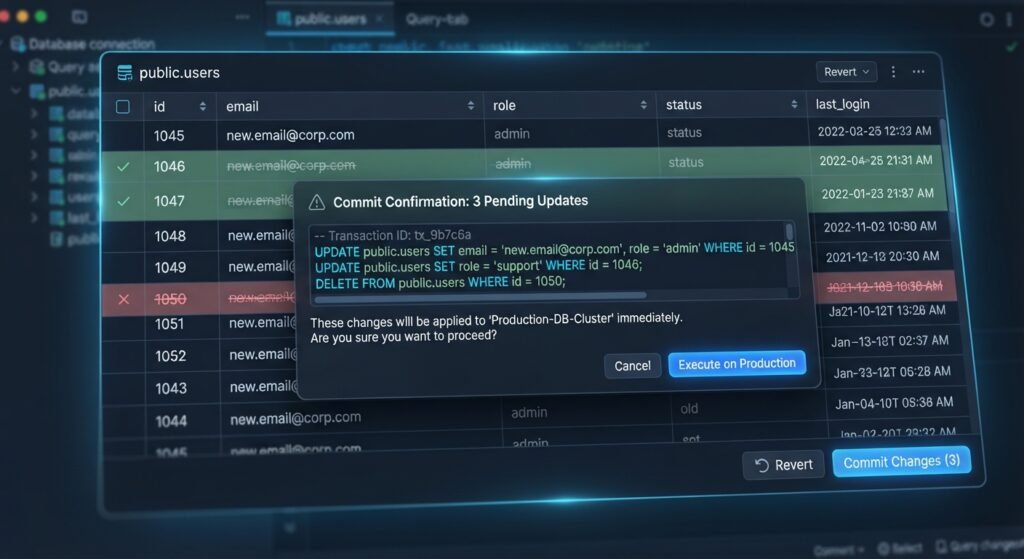
- Safety Rules Prevent Accidental Production Writes: Superior database clients incorporate safe mode protections, transactional query blocks, and visual diff previews before executing
UPDATEorDELETEstatements.
Essential Evaluation Criteria for Database GUI Clients
Selecting the optimal database management client for your engineering workflow involves reviewing several key technical parameters:
- Multi-Engine Connectivity: Support for PostgreSQL, MySQL, MariaDB, SQLite, and cloud engines (AWS Aurora, GCP Cloud SQL, CockroachDB) via native or JDBC drivers. Jet Admin
- SQL Intelligence & Refactoring: Context-aware code completion, linting, formatting, and automatic schema refactoring.
- Data Grid & Inline Editing: Spreadsheet-like cell editing with explicit commit controls to prevent uncommitted lock-ups or accidental data overwrites. Bytebase
- Visual Schema & ER Diagramming: Automatic generation of entity-relationship (ER) diagrams to visualize foreign key connections and index structures. Bytebase
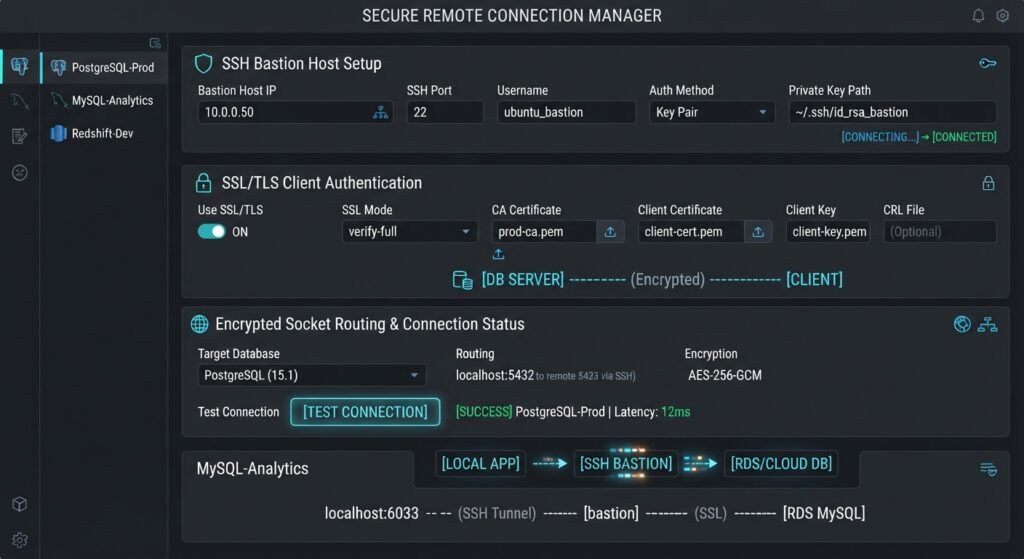
- Security & Tunneling: Built-in support for SSH tunneling, SSL/TLS certificates, IAM authentication, and jump hosts.
[Internal Link: Insert relevant internal URL here with anchor text – “Read our in-depth guide on choosing between monolithic and microservices database patterns”]
Top Database Management & GUI Clients
1. DBeaver: The Open-Source Universal Standard
DBeaver is the most widely adopted open-source database client, connecting to over 80 SQL and NoSQL engines via JDBC.
Guideflow
- Best For: Polyglot developers and DBAs who need a free, multi-database client across heterogeneous environments. Jet Admin
- Key Features: Universal JDBC connectivity, visual ER diagrams, SQL autocomplete, export/import wizards, and an AI SQL assistant. NexaSphere
- Pros: Free Community Edition, massive database compatibility list, rich plugin ecosystem. Bytebase
- Cons: Java-based architecture consumes more memory and exhibits slower startup times. Bytebase
2. JetBrains DataGrip: The Ultimate SQL IDE
DataGrip brings JetBrains’ renowned IDE intelligence to database management, providing unmatched code completion, refactoring tools, and query analysis.
NexaSphere
- Best For: Backend software engineers writing complex SQL queries, CTEs, stored procedures, and triggers. Jet Admin
- Key Features: Smart code completion, real-time error detection, Git integration, schema diffing, and AI assistant capabilities.
- Pros: Best-in-class SQL autocompletion and schema navigation.
- Cons: Paid subscription model; resource-intensive on low-spec hardware.
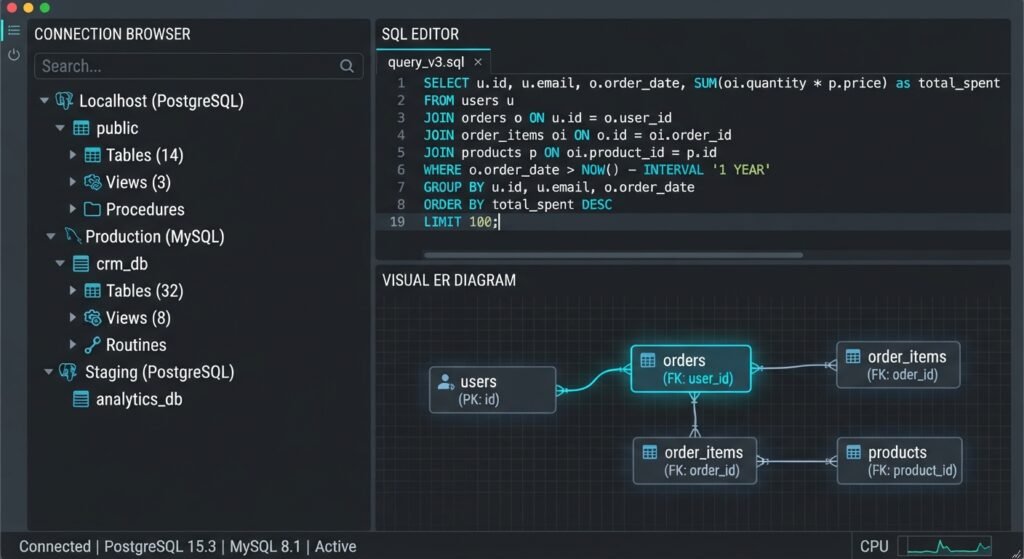
3. TablePlus: Ultra-Fast Native Client
TablePlus is engineered as a lightweight, native desktop application (built with Swift on macOS and C++ on Windows), prioritizing speed, security, and minimal resource usage.
NexaSphere
- Best For: Developers who value speed, clean aesthetics, and instant UI responsiveness over complex enterprise features. Bytebase
- Key Features: Native OS performance, inline spreadsheet editing, visual query diff preview before committing, and native SSH tunneling.
- Pros: Blazing fast execution, minimal memory consumption, clean UI.
- Cons: Free tier restricts active workspaces and connection tabs. Bytebase
4. Beekeeper Studio: Modern Open-Source Workspace
Beekeeper Studio is a modern, open-source SQL editor and database manager built with accessibility, aesthetics, and privacy in mind.
Bytebase
- Best For: Developers looking for an open-source alternative to TablePlus with a modern dark interface and zero tab limits. Bytebase
- Key Features: Tabbed query editor, editable result tables, JSON column viewing, and AI-assisted SQL prompt generation.
- Pros: Clean user interface, open-source core without tab restrictions. Bytebase
- Cons: Higher RAM usage compared to native Swift/C++ tools.
Feature Comparison Matrix
| Feature / Client | DBeaver | DataGrip | TablePlus | Beekeeper Studio |
|---|---|---|---|---|
| Architecture | Java-based | JetBrains Platform | Native (Swift/C++) | Electron / Vue |
| Database Support | 80+ SQL & NoSQL | 20+ SQL Engines | Mainstream Relational | Mainstream Relational |
| Startup Speed | Moderate | Moderate | Instant | Fast |
| Inline Diff Preview | Basic | Advanced | Outstanding (Native) | Basic |
| License Model | Open Source / Paid PRO | Commercial Subscription | Free Tier / Perpetual License | Open Source / Paid Tiers |
Dedicated Engine Clients: pgAdmin and MySQL Workbench
While universal tools dominate developer workstations, dedicated single-engine administration tools remain relevant for deep server configuration:
- pgAdmin (PostgreSQL): The official administration tool maintained by the PostgreSQL community. It provides full access to engine-specific parameters like vacuum tuning, TOAST settings, role permissions, and WAL replication monitoring. Jet Admin+ 1
- MySQL Workbench (MySQL): The official Oracle client for MySQL. It excels at visual database modeling, forward/reverse engineering schema DDL, and server health performance monitoring. Bytebase+ 1
How to Select the Best Client for Your Operational Stack
To choose the best database management & GUI clients for Postgres and MySQL, align your choice with your operational requirements:
- For Heterogeneous Infrastructure & Low Budgets: Choose DBeaver Community Edition. Its vast driver support handles Postgres, MySQL, and legacy relational instances without licensing costs. Guideflow+ 1
- For High-Speed Local Development: Pick TablePlus. Its instant startup, low footprint, and safe inline editing make it ideal for daily application debugging. NexaSphere+ 1
- For Advanced SQL Authorship: Select DataGrip. Its intelligent refactoring, automated joins, and deep syntax inspection save hours when writing long, complex queries. NexaSphere+ 1
Conclusion
Selecting the best database management & GUI clients for Postgres and MySQL directly impacts developer productivity, query performance, and database stability. Whether you prefer the lightweight native speed of TablePlus, the universal flexibility of DBeaver, or the IDE-level intelligence of DataGrip, modern GUI tools provide the features needed to execute migrations safely, optimize queries, and manage infrastructure efficiently.
Jet Admin
Frequently Asked Questions (FAQs)
What is the best free database GUI client for Postgres and MySQL?
DBeaver Community Edition is widely considered the best free universal client due to its open-source license, cross-platform compatibility, and built-in support for both PostgreSQL and MySQL without query or connection limits.
Bytebase
Should I use dedicated tools like pgAdmin instead of universal clients?
Dedicated tools like pgAdmin are best suited for deep database administration tasks—such as configuring maintenance windows, managing extensions, and inspecting server vacuum settings—whereas universal clients excel at day-to-day query writing and data editing.
Can GUI clients run safely on production databases?
Yes, provided you choose a client with built-in safe mode settings, read-only connection profiles, and explicit transaction confirmation steps to prevent accidental data modification.
1 thought on “Best Database Management & GUI Clients for Postgres and MySQL”