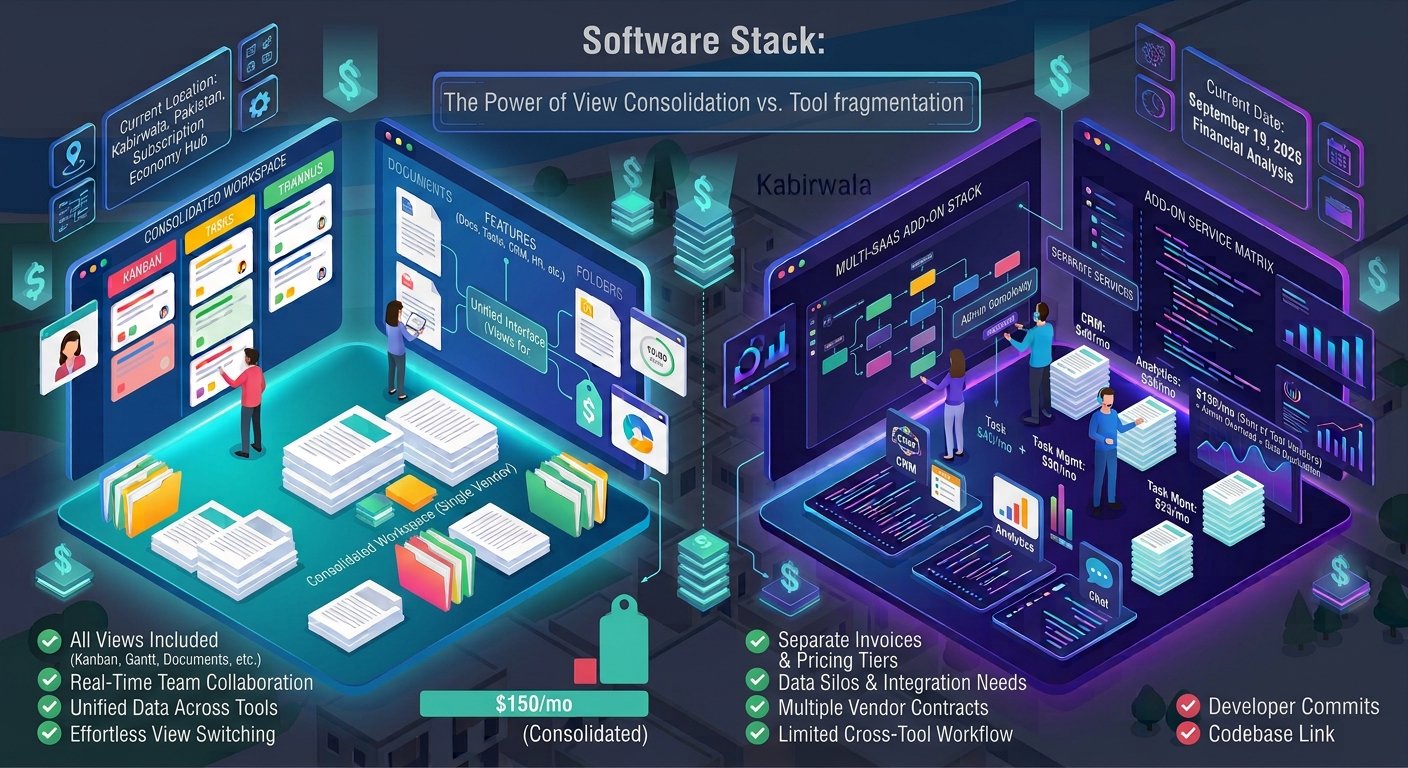
Choosing the right software management platform is one of the most critical operational decisions a growing small business can make. The right platform aligns team communication, speeds up project delivery, and prevents costly software bloat. However, picking the wrong platform can leave your team trapped in complex configurations, hidden add-on costs, and fragmented workflows.
The battle for the modern workspace often comes down to two dominant players: ClickUp and Jira. While both platforms promise to streamline operations, they are built with fundamentally different philosophies.
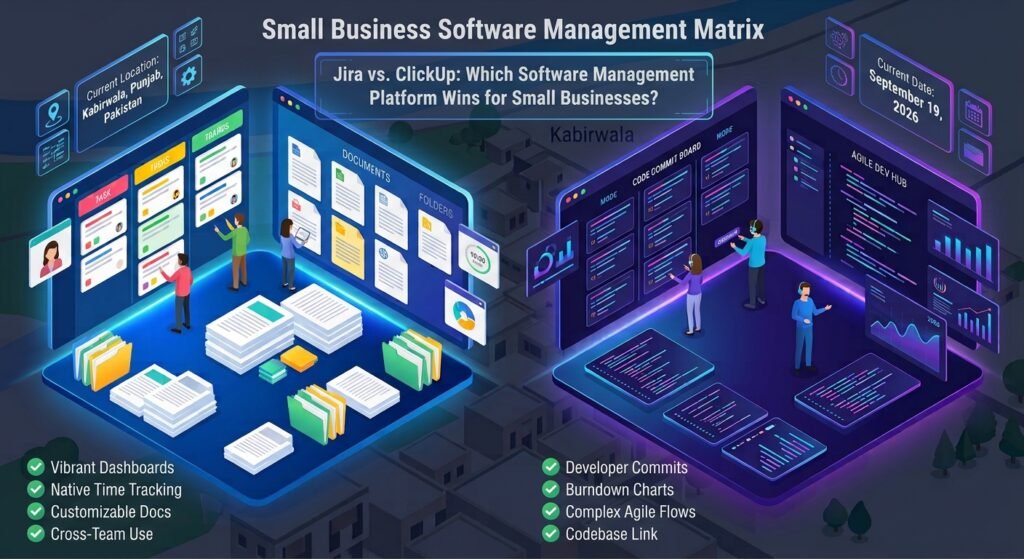
ClickUp positions itself as an all-in-one productivity hub for cross-functional teams, whereas Jira remains the enterprise standard for agile software development. This guide breaks down features, pricing models, usability, and total cost of ownership to help you determine which platform wins for your business.
Key Takeaways
- Target Audience Focus: ClickUp targets cross-functional operational teams (marketing, sales, agencies, HR), while Jira focuses specifically on software engineering and IT teams.
- All-In-One vs. Modular: ClickUp includes native documentation, time tracking, and chat. Jira relies heavily on third-party Atlassian Marketplace plugins or Confluence integrations for non-core features.
- Total Cost of Ownership: While base per-seat costs look similar, Jira often incurs higher effective costs once required add-ons like Confluence or time tracking tools are factored in.
- Learning Curve: ClickUp offers faster initial setup for non-technical users, whereas Jira requires ongoing administrative maintenance and familiarity with Agile frameworks.
ClickUp: The All-in-One Work OS
ClickUp is engineered to replace multiple standalone subscriptions. It provides project views (Kanban, List, Gantt, Mind Maps, Calendar) alongside collaborative documents, whiteboards, and goal tracking within a single workspace.
Jira: The Technical Agile Powerhouse
Developed by Atlassian, Jira is purpose-built for software issue tracking, bug reporting, and Scrum/Kanban sprint management. It excels when connected directly to source code repositories, automated CI/CD pipelines, and developer environments.
2. Feature Comparison & Workflow Flexibility
A great software management platform must adapt to your team’s day-to-day routines without forcing rigid constraints.
| Feature Area | ClickUp Capabilities | Jira Software Capabilities |
|---|---|---|
| Task & Issue Management | High customization with custom statuses, fields, and 15+ views | Deep agile tracking with native Backlogs, Sprints, and Epics |
| Documentation | Native ClickUp Docs with real-time editing embedded in tasks | Requires separate Confluence subscription for robust docs |
| Developer Integrations | Basic Git integrations (GitHub, GitLab, Bitbucket) | Industry-leading deep code links, commit tracking, & release gates |
| Automations | Visual no-code automation builder across all workspace levels | Advanced rule-based automation engine tailored for dev workflows |
| Reporting & Dashboards | Custom widget-based dashboards for team workload & project status | Out-of-the-box velocity, burndown, and release readiness charts |
Cross-Department Collaboration
ClickUp enables non-technical departments like marketing, design, and operations to collaborate seamlessly on the same platform as your product team. Jira, by contrast, often creates friction for non-technical staff due to its complex developer terminology and rigid issue hierarchies.
3. Total Cost of Ownership (TCO) & Hidden Expenses
Pricing for any software management platform extends beyond the initial published license fee. Small businesses must calculate the total cost of ownership including required add-on applications.
ClickUp Pricing Structure
- Free Forever Plan: Includes unlimited users and tasks with a 100MB storage cap.
- Unlimited Plan: Starts at ~$7 per user/month (billed annually) for unlimited storage, integrations, and dashboards.
- Business Plan: Starts at ~$12 per user/month for advanced workload management and custom reporting.
Jira Pricing Structure
- Free Plan: Supports up to 10 users with basic roadmaps and 2GB storage.
- Standard Plan: Starts at ~$7.50 to $9 per user/month depending on team size.
- Premium Plan: Starts at ~$14.50 per user/month for advanced roadmapping and capacity planning.
The Hidden Add-On Factor
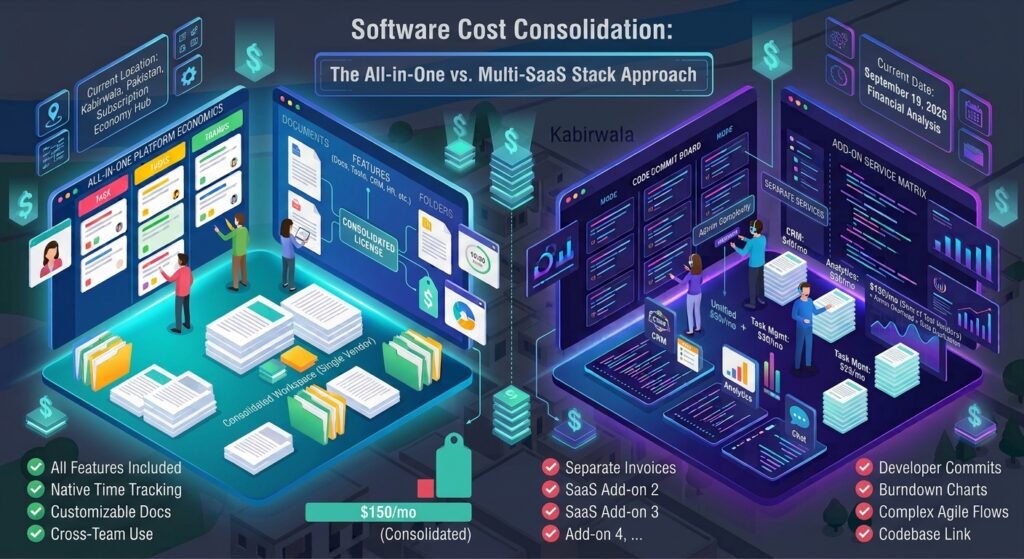
Jira’s base platform is deliberately streamlined. If your team requires documentation (Confluence) or native time tracking, total seat fees can increase significantly:
[ Jira Standard ($7.53/mo) ] + [ Confluence ($5.16/mo) ] + [ Time Tracking App ($5.00/mo) ]
──► Effective Cost: ~$17.69 per user / month
In contrast, ClickUp provides native documentation and time tracking built directly into its standard pricing tiers.

4. Implementation, Usability, & Admin Overhead
The speed at which your team adopts a new software management platform directly affects project momentum.
[ Platform Onboarding ] ──► [ Configuration ] ──► [ Team Adoption ] ──► [ Value Realization ]
Setup Complexity
- ClickUp: Features a fast onboarding process. Pre-built templates allow small teams to launch operational workspaces within hours. However, its vast feature set requires disciplined hierarchy organization to avoid clutter.
- Jira: Requires deliberate upfront configuration. Setting up issue types, custom fields, permission schemes, and workflow transitions often requires dedicated administrative oversight.
Maintenance and Scalability
While ClickUp scales easily across non-technical departments, Jira offers stronger enterprise governance for pure engineering organizations.
| Decision Criteria | Choose ClickUp If… | Choose Jira If… |
|---|---|---|
| Team Composition | Your business has cross-functional teams (Marketing, Ops, Sales, Dev). | Your business consists purely of dedicated software developers & QA engineers. |
| Primary Focus | You need to manage client projects, content calendars, and internal operations. | You need strict Scrum/Kanban sprint tracking, bug management, and code links. |
| Budget Strategy | You want an all-in-one tool to eliminate multiple monthly SaaS invoices. | You are already invested in Atlassian tools (Confluence, Bitbucket). |
| Workflow Style | You require flexible visual project views, native docs, and easy customization. | You rely on structured JQL reporting, burndown metrics, and automated release gates. |
Conclusion
Selecting the winning software management platform depends on your core business focus.
If your small business operates as a software product company where developers drive all primary workflows, Jira remains the industry standard. Its deep code integrations, agile sprint tracking, and developer ecosystem make it uniquely suited for shipping software.
However, for the vast majority of small businesses, agencies, and cross-functional teams, ClickUp is the overall winner. By consolidating task management, documentation, time tracking, and visual whiteboards into a single platform, ClickUp delivers lower total costs, faster team adoption, and operational clarity across every department.
Frequently Asked Questions (FAQs)
Which software management platform is easier for non-technical staff?
ClickUp is significantly easier for non-technical employees. Its visual drag-and-drop interface, familiar document tools, and flexible views (List, Board, Calendar) allow non-engineers to manage projects without learning complex developer terminology.
Can a small software team use ClickUp for agile development?
Yes. ClickUp offers native Sprint Folders, backlog management, points allocation, and GitHub/GitLab integrations. While it lacks some of Jira’s deep developer query languages (JQL), it provides sufficient agile functionality for growing tech teams.
Does Jira require purchasing Confluence for basic documentation?
While Jira includes basic issue descriptions, robust project documentation, team wikis, and knowledge bases require Atlassian Confluence. Integrating Confluence adds an extra per-seat monthly fee, which increases Jira’s overall cost.
How do ClickUp and Jira compare on mobile accessibility?
Both platforms offer dedicated mobile applications for iOS and Android. ClickUp’s mobile app is ideal for quick task creation, commenting, and reviewing documents on the go, whereas Jira’s mobile app focuses on monitoring active sprint progress and approving pull requests.
2 thoughts on “Which Software Management Platform Wins for Small Businesses?”