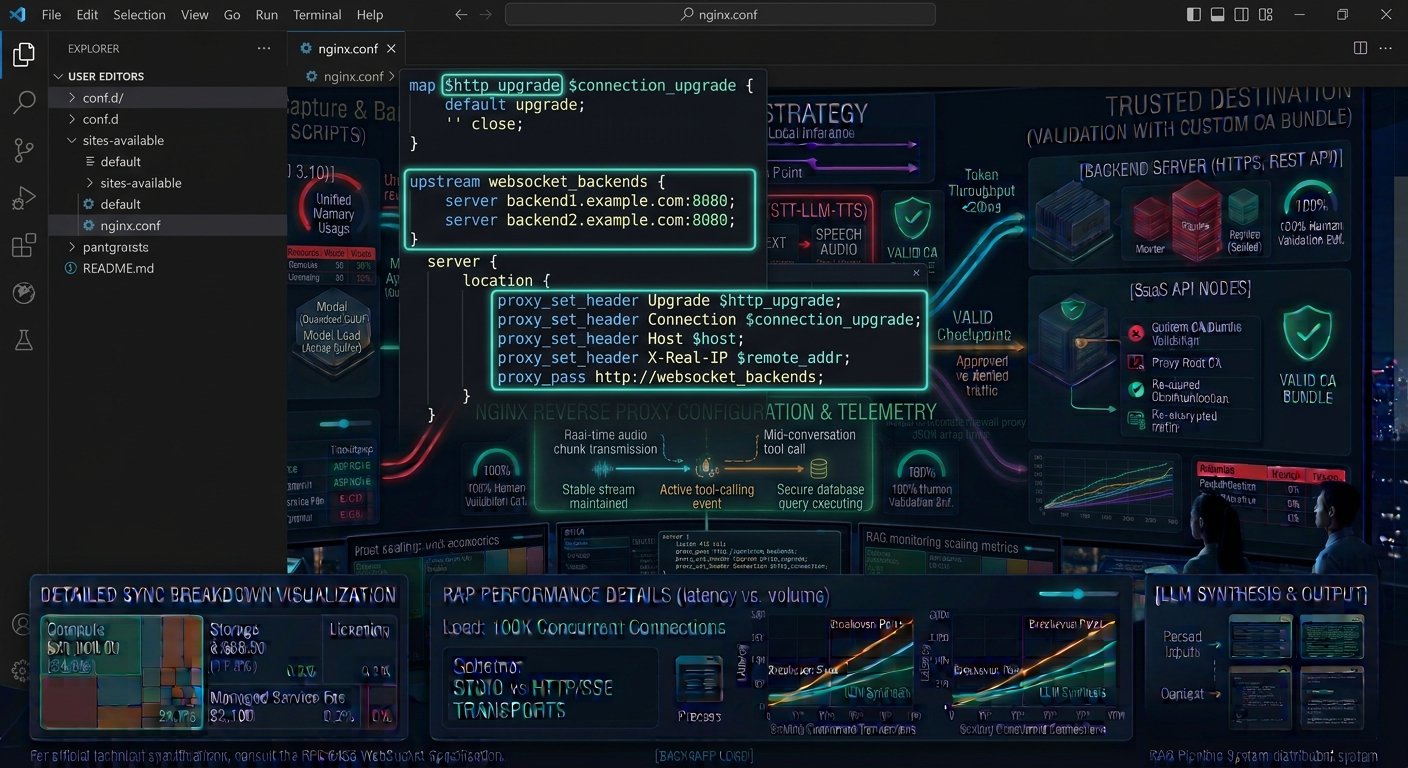
How to Configure an NGINX Reverse Proxy for WebSockets with SSL Termination Deploying real-time web applications powered by WebSockets requires robust edge routing, secure encryption, and low-latency connection management. By default, WebSockets initiate via an HTTP/HTTPS handshake before “upgrading” to a persistent, bidirectional TCP connection. When exposing these services to production users behind a secure gateway, configuring an intermediary proxy can become tricky without the correct configuration directives.
Learning how to configure an NGINX reverse proxy for WebSockets with SSL termination is essential for maintaining secure, encrypted (wss://) connections while offloading cryptographic overhead from your backend application servers. Without explicit Upgrade and Connection header handling, NGINX will drop or close the persistent connection, breaking real-time functionality.
This comprehensive guide breaks down SSL certificate setup, HTTP connection upgrading, timeout management, and step-by-step NGINX configuration blocks to ensure your WebSocket infrastructure runs securely and at scale.
Key Takeaways How to Configure an NGINX Reverse Proxy for WebSockets with SSL Termination
- The Upgrade Handshake: WebSockets rely on HTTP connection upgrade headers. NGINX does not pass
UpgradeandConnectionheaders by default; they must be explicitly declared in your location block. - SSL Termination Benefits: Terminating SSL/TLS certificates at the NGINX edge decrypts incoming traffic,reducing compute load on backend application nodes while maintaining secure encryption (
https://andwss://) for clients. - Timeout Adjustments: Because WebSockets remain open indefinitely during idle states, you must increase proxy timeouts (
proxy_read_timeout) to prevent NGINX from prematurely severing long-running connections. - Upstream Load Balancing: NGINX can distribute persistent WebSocket connections across multiple backend application instances using sticky sessions or round-robin balancing.
Deconstructing WebSocket Proxy Architecture with NGINX
To route persistent connections correctly, NGINX must act as a reverse proxy that translates secure incoming client requests into clean upstream traffic.
┌────────────────────────────────────────────────────────────────────────┐
│               NGINX WEBSOCKET SSL TERMINATION ARCHITECTURE             │
├───────────────────────────────┬────────────────────────────────────────┤
│ ARCHITECTURAL LAYER           │ ROLE & RESPONSIBILITY                  │
├───────────────────────────────┼────────────────────────────────────────┤
│ Client Browser                │ Initiates secure WebSocket connection  │
│                               │ (`wss://example.com/socket`)           │
├───────────────────────────────┼────────────────────────────────────────┤
│ NGINX Edge Proxy (SSL Term)   │ Terminates TLS encryption, inspects    │
│                               │ headers, and sets Upgrade directives.  │
├───────────────────────────────┼────────────────────────────────────────┤
│ Upstream Backend Server       │ Receives unencrypted upgraded TCP      │
│                               │ frames on local port (e.g., port 3000).│
└───────────────────────────────┴────────────────────────────────────────┘
When a client sends a WebSocket handshake request, it includes two critical headers:
Upgrade: websocketConnection: Upgrade
By default, NGINX treats HTTP requests as short-lived transactions and clears connection-specific headers between client and proxy. To maintain the persistent handshake, you must explicitly forward these headers to your upstream application server.
To review how real-time transport protocols compare when managing network lifecycles, read our architectural deep dive on [WebSockets vs. Server-Sent Events (SSE) vs. Long Polling: Architectural Deep Dive]([Internal Link: Insert relevant internal URL here with anchor text]).
Step-by-Step NGINX Configuration for WebSockets & SSL
Below is a production-ready NGINX server block configured to handle SSL termination, redirect HTTP traffic to HTTPS, and proxy WebSocket connections successfully.
1. Configure SSL Server Block and Header Mapping
Create or edit your NGINX site configuration file (e.g., /etc/nginx/sites-available/websocket-app):
Nginx
# Map WebSocket upgrade headers conditionally
map $http_upgrade $connection_upgrade {
    default upgrade;
    ''      close;
}

upstream websocket_backend {
    server 127.0.0.1:3000;
    # Add multiple upstream servers for load balancing if needed
}

# Redirect HTTP traffic to HTTPS
server {
    listen 80;
    server_name example.com www.example.com;
    return 301 https://$host$request_uri;
}

# HTTPS Server Block with SSL Termination & WebSockets
server {
    listen 443 ssl http2;
    server_name example.com www.example.com;

    # SSL Certificate Configuration (e.g., Let's Encrypt)
    ssl_certificate /etc/letsencrypt/live/example.com/fullchain.pem;
    ssl_certificate_key /etc/letsencrypt/live/example.com/privkey.pem;

    ssl_protocols TLSv1.2 TLSv1.3;
    ssl_ciphers HIGH:!aNULL:!MD5;

    location /socket/ {
        proxy_pass http://websocket_backend;

        # Essential WebSocket Proxy Directives
        proxy_http_version 1.1;
        proxy_set_header Upgrade $http_upgrade;
        proxy_set_header Connection $connection_upgrade;

        # Standard Proxy Headers
        proxy_set_header Host $host;
        proxy_set_header X-Real-IP $remote_addr;
        proxy_set_header X-Forwarded-For $proxy_add_x_forwarded_for;
        proxy_set_header X-Forwarded-Proto $scheme;

        # Timeout adjustments for long-lived idle connections
        proxy_read_timeout 3600s;
        proxy_send_timeout 3600s;
    }
}
Key Directives Explained
proxy_http_version 1.1;: WebSockets require HTTP/1.1 because HTTP/1.0 does not support chunked transfer encoding or connection upgrading.proxy_set_header Upgrade $http_upgrade;andConnection $connection_upgrade;: These two directives instruct NGINX to intercept the client’s upgrade request and pass it upstream, converting the HTTP connection into a persistent WebSocket tunnel.proxy_read_timeout 3600s;: By default, NGINX closes proxy connections after 60 seconds of inactivity.Setting this timeout to a higher value (or hours) prevents NGINX from dropping idle WebSocket connections during quiet periods.

For official technical specifications on NGINX HTTP proxy modules and variable mappings, consult the NGINX Official HTTP Proxy Module Documentation.
Validating and Testing Your Configuration
Once your NGINX configuration file is saved, test it for syntax errors before reloading the service:
Bash
# Test NGINX configuration syntax
sudo nginx -t

# Reload NGINX to apply changes without downtime
sudo systemctl reload nginx
Testing WebSocket Connectivity
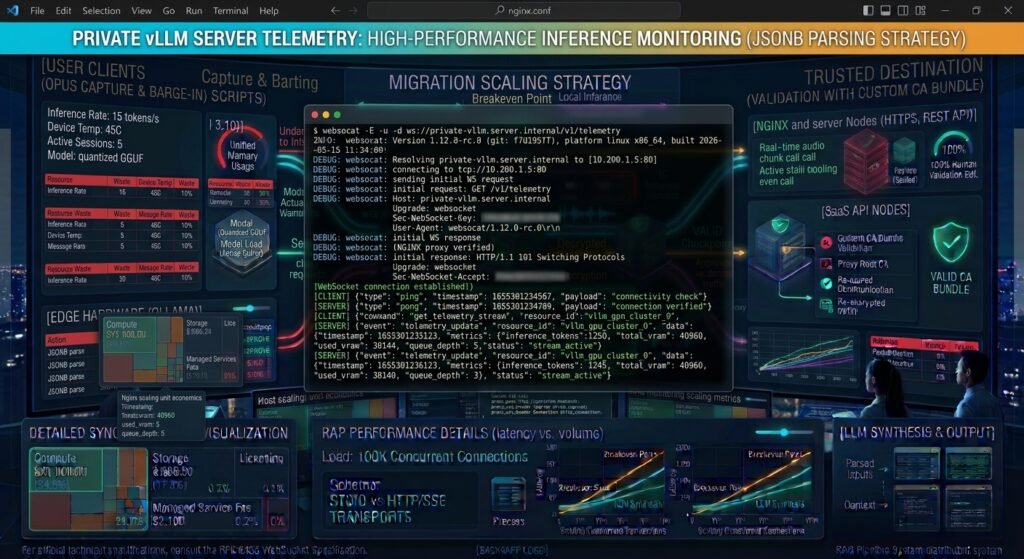
You can test your newly configured WebSocket proxy using a command-line tool like websocat or a simple browser JavaScript snippet:
JavaScript
// Run in browser console to verify secure WebSocket connection
const ws = new WebSocket('wss://example.com/socket/');

ws.onopen = function(event) {
    console.log("WebSocket connection established successfully!");
    ws.send("Hello Server!");
};

ws.onmessage = function(event) {
    console.log("Message from server: ", event.data);
};

Conclusion
Knowing how to configure an NGINX reverse proxy for WebSockets with SSL termination empowers you to build secure, scalable, and high-performance real-time applications. By correctly mapping connection upgrade headers,enabling HTTP/1.1 protocol rules, adjusting proxy read timeouts, and terminating TLS certificates at the edge, you ensure seamless bidirectional communication between clients and backend servers.
Frequently Asked Questions (FAQs)
Why do WebSockets fail behind NGINX by default?
WebSockets fail by default because NGINX acts as a standard HTTP proxy that treats connections as short-lived requests. Without explicit proxy_set_header Upgrade $http_upgrade; and Connection headers, NGINX strips the upgrade request, preventing the TCP tunnel from forming.
What does proxy_read_timeout do for WebSockets?
proxy_read_timeout defines how long NGINX will wait for a read response from the upstream server before dropping the connection. Increasing this value (e.g., to 3600s) prevents NGINX from prematurely severing long-lived, idle WebSocket connections.
Can NGINX load balance WebSocket connections across multiple servers?
Yes. You can define an upstream block containing multiple backend server IP addresses and ports. NGINX will distribute incoming WebSocket handshakes across those servers, and you can enable sticky sessions if your application requires clients to remain bound to a specific backend node.
How to Configure an NGINX Reverse Proxy for WebSockets with SSL Termination
1 thought on “How to Configure an NGINX Reverse Proxy for WebSockets with SSL Termination”